01
Open a book
Import your own EPUB, PDF, TXT or DOCX, take a photo of a printed page, or start with one of the classics in the library.
E-reader and language guide
Open a book, tap a word and understand it right away. New words come back for review just when you start to forget them.
No ads. English, German, French, Spanish, Italian, Russian and Czech.
How it works
No made-up sentences about where the station is. You learn from a story you actually want to finish.
Import your own EPUB, PDF, TXT or DOCX, take a photo of a printed page, or start with one of the classics in the library.
See what the word means in this very sentence, plus a short, human explanation of the grammar at your level.
Saved words come back as flashcards, together with the sentence from the book, right when you need to review them.
Try it yourself
This is what reading in Trailerbook feels like. Pick a language and tap any underlined word. You’ll see what it means in this exact sentence and why it has this particular form.
A few words here are prepared in advance. In the app you can ask about any word or whole sentence in any book.
Als Gregor Samsa aus , in seinem Bett zu einem ungeheueren verwandelt.
L’année 1866 par un événement bizarre, un phénomène inexpliqué et que oublié.
En un lugar de la Mancha, de nombre no quiero , que un .
, что : дама .
In this sentence: woke up
Simple past (Präteritum) of erwachen. In a clause starting with als (when), the verb goes to the very end.
When Gregor Samsa woke one morning from restless dreams, he found himself transformed in his bed into a monstrous insect.
The reader
Is the chapter too hard? Want to hear it? Or see the original next to a translation? The reader has tools you would otherwise look for in five different apps.
Not ready for this chapter yet? Have it retold more simply, for example at A2. The plot stays the same, only the words and sentences fit you. And when you want more, the same chapter can be enriched instead. One tap takes you back to the original.
In my younger and more vulnerable years my father gave me some advice that I’ve been turning over in my mind ever since.
When I was young, my father gave me some advice. I still think about it today.
Dual reading shows a paragraph in the original with your language right next to it. Great for the first chapters, while you find your feet, or for the moments when you want to be sure you understood correctly.
Als Gregor Samsa eines Morgens aus unruhigen Träumen erwachte, fand er sich in seinem Bett zu einem ungeheueren Ungeziefer verwandelt.
When Gregor Samsa woke one morning from restless dreams, he found himself transformed in his bed into a monstrous insect.
CEFR X-Ray colours paragraphs by difficulty. Green ones you can handle right away, yellow ones are a challenge, and purple ones are literary treats for later. At a glance you see where to slow down and where to simply enjoy reading.
The dog was big and black. It sat by the door all day.
Although it was late, she decided to walk home through the park.
The house stood in brooding silence, its shutters drawn like heavy eyelids.
The book reads to you aloud while the text lights up smoothly, karaoke-style, so your ears and eyes work together. Choose a voice, a speed and gentle background sounds such as rain or a fireplace. At night there is a sleep timer, and for walks there is hands-free listening.
It was a dark and stormy night; the rain fell in torrents.
Found a verb in a strange form? Open its table straight from the reader. You’ll see tenses, persons and patterns, and know why the sentence says fand and not findet.
| Präsens | Präteritum | |
|---|---|---|
| ich | finde | fand |
| du | findest | fandest |
| er/sie/es | findet | fand |
| wir | finden | fanden |
Perfekt: hat gefunden
Breaks a complex sentence into parts, so you can see what belongs to what.
After a chapter you face a dilemma with a character and answer in the foreign language. You get feedback on your grammar.
Building sentences and the fine differences between words that mean almost the same.
Highlights and notes in colours, with export to Anki and Markdown.
Everything you write down about a book, in one place.
No internet? Keep reading. Translations you already have are stored on your phone.
Inside the app
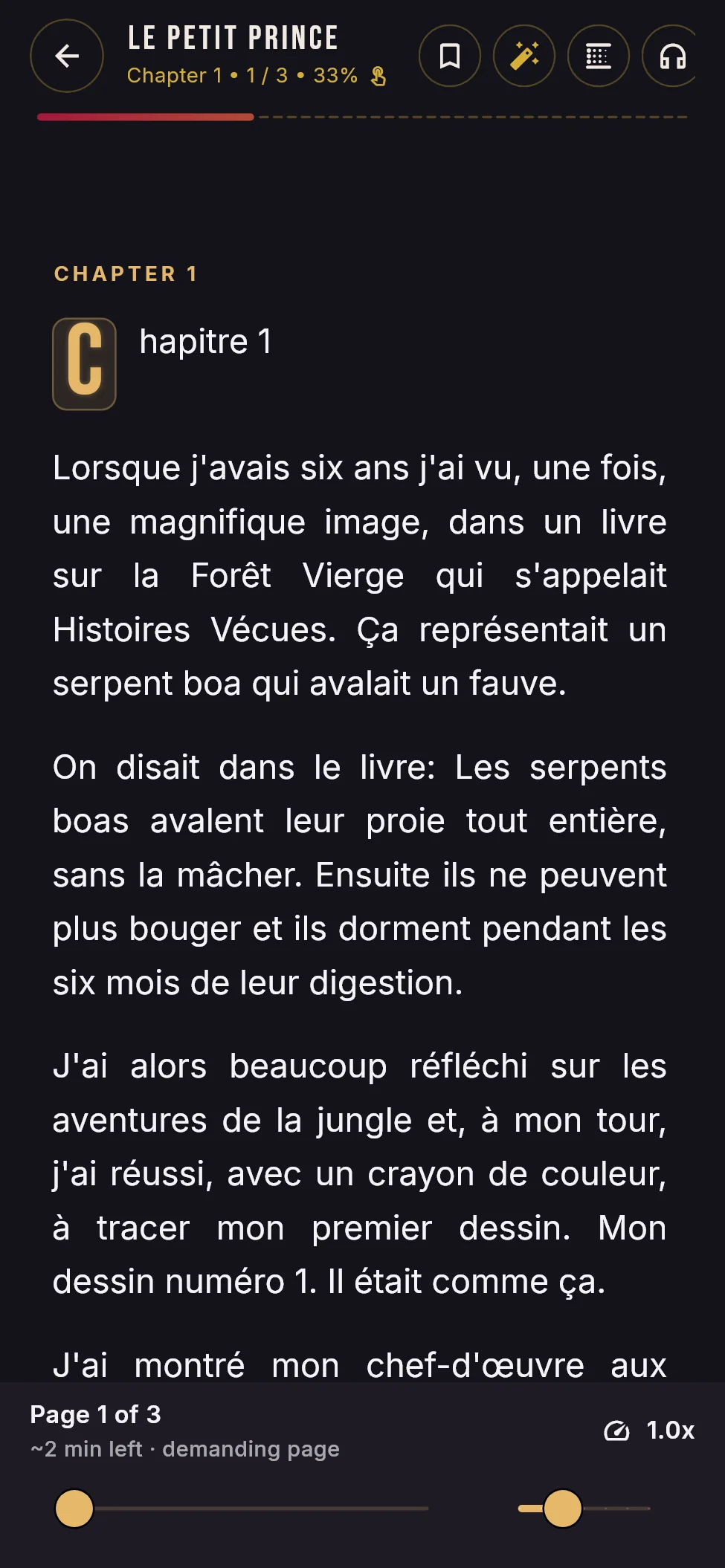
Dark and light themes, a typeface made for long reading and nothing to distract you. Tap a screen to enlarge it.
A typeface for long reading, chapter progress and read-aloud.
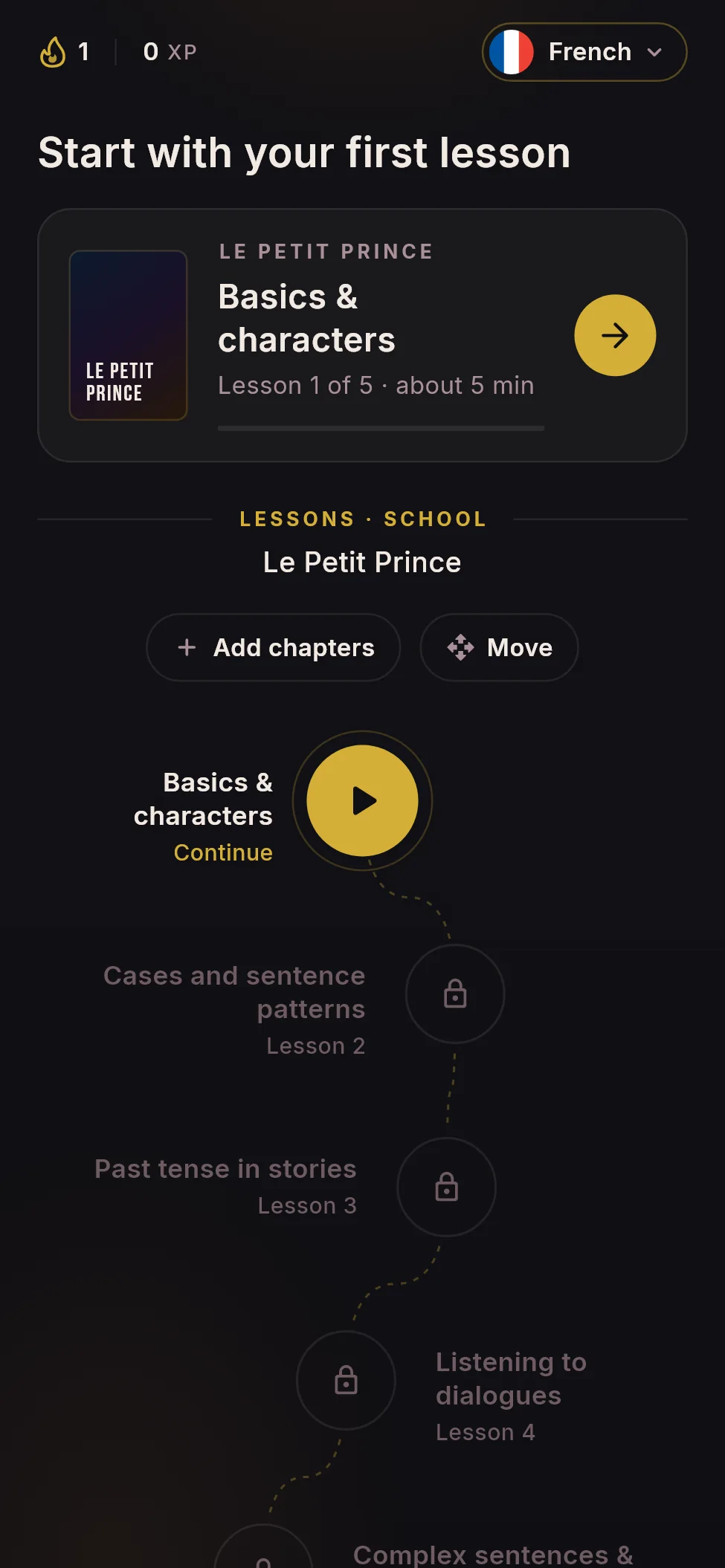
Lessons step by step, including your own chapters.
Grab a chapter and drag it where it belongs.
Words from your book, with a combo for every streak of right answers.
XP, accuracy, best run and streak.
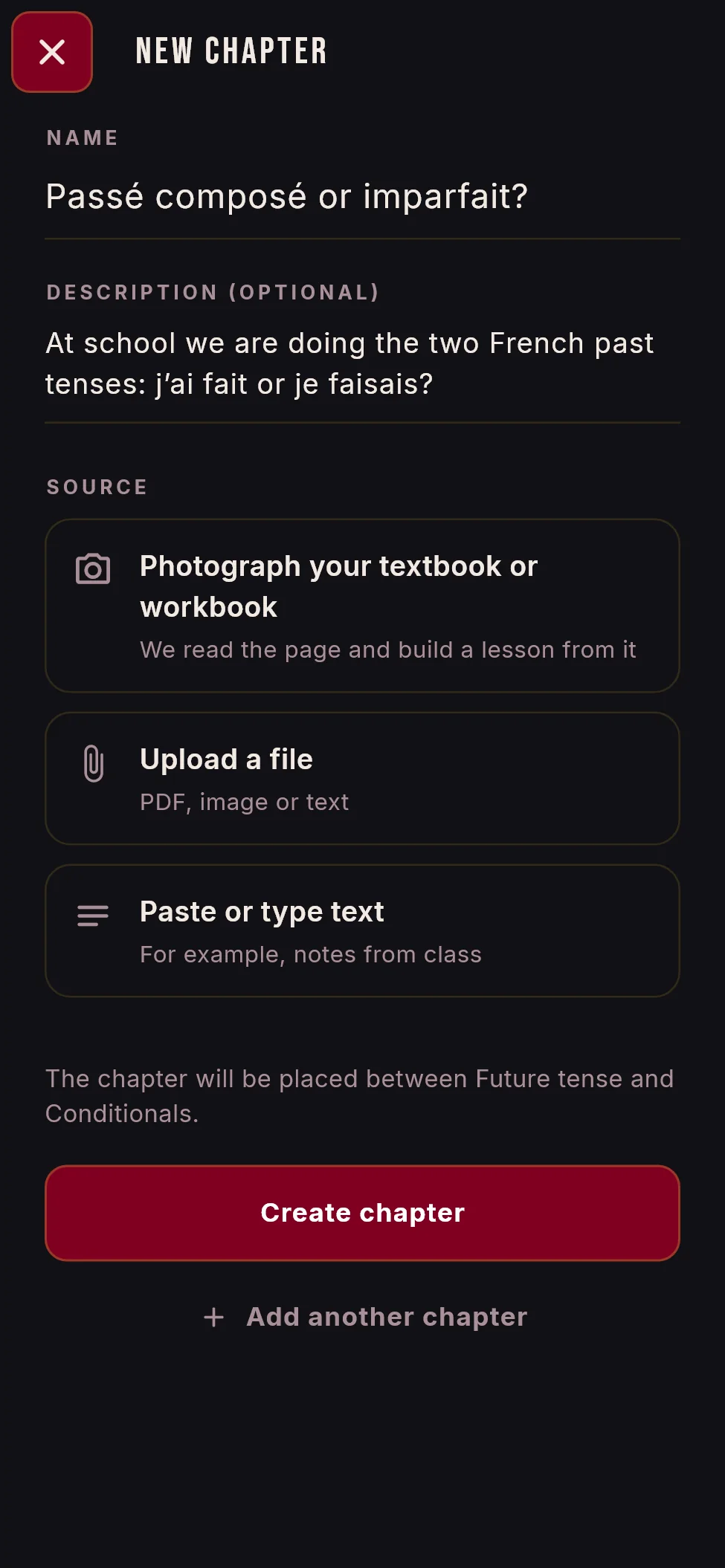
From a photo, a file or your notes.
For reading during the day or in the sun.
Three buttons, and you know when the word comes back.
Everything right and the daily goal reached.
Your current book, daily goal and word of the day in one place.
Practice
You won’t just look at words. You’ll build them, catch them and race the clock, always with the sentence from the book where you met them.
Trailerbook remembers what comes easily to you and what doesn’t. A word you know comes back in a week, a word that keeps slipping away comes back tomorrow. You rate with three buttons, and your answer doesn’t have to be perfect: a small typo or a missing accent won’t count against you.
How many words can you get in a minute? A quick warm-up round.
Put jumbled words back in the right order. You learn word order without memorising rules.
Words fall from the sky and you catch them with the right translation before they land.
Twelve tiles, a stopwatch and one job: match words with their meanings as fast as you can.
What you got wrong comes back in a short two-minute fix, so mistakes don’t get forgotten.
XP for every lesson, a combo for a run of right answers, and at most one gentle reminder a day.
For school
Write what you are learning right now and add your material. The lesson is built from your textbook, not from a generic template.
Sharing
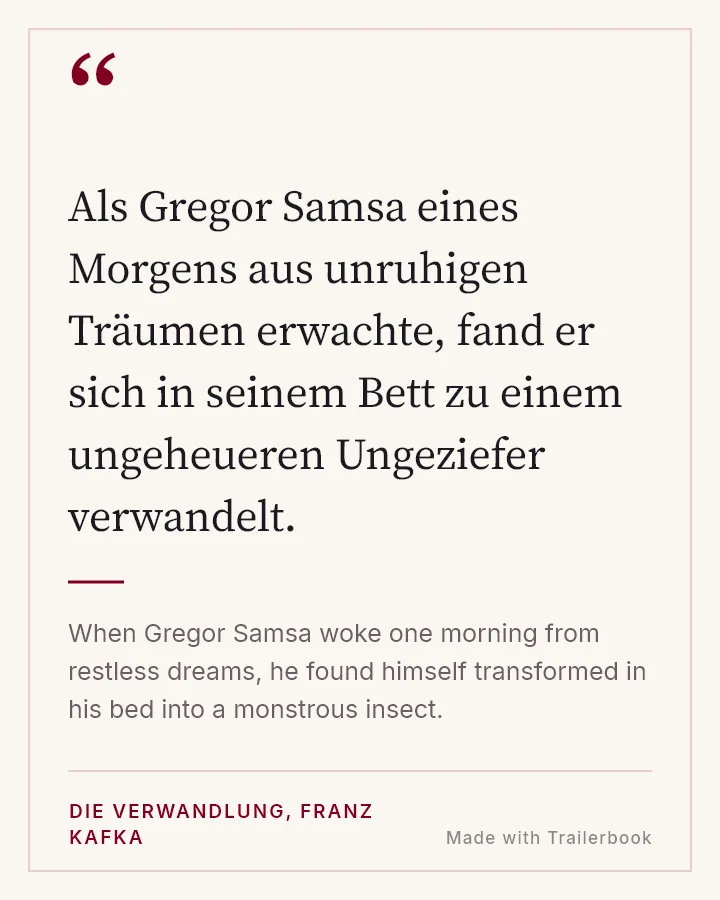
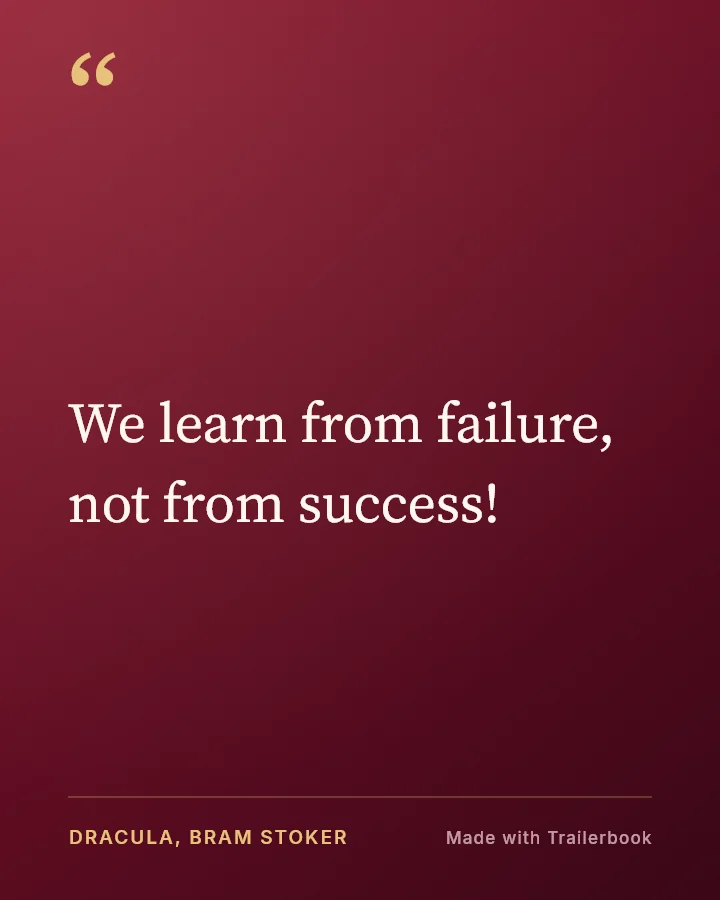
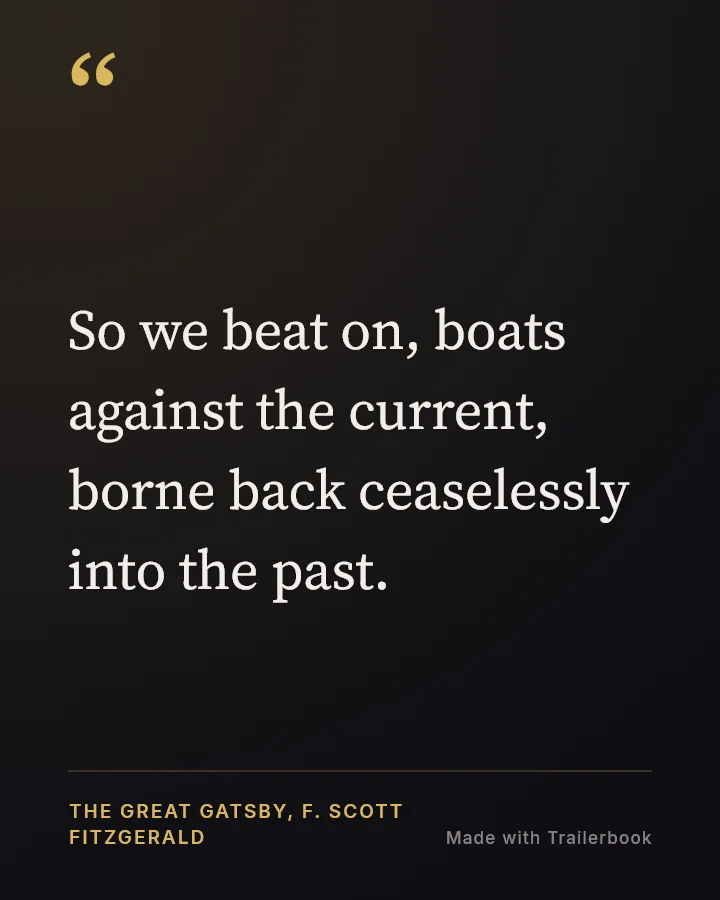
Select a short quote and Trailerbook turns it into a card for Instagram or your stories, with the translation and the book title. Choose from three styles: Dark, Minimal and Velvet.
Kids mode
Kids get their own, simpler world: picture books, short quizzes and a buddy they dress up with the points they collect. A parent turns kids mode on and has their own overview behind a parental lock.
English, German, French, Spanish, Italian and Russian. And Czech, too.
Choose your level yourself or take a short test. Each language can have its own level.
EPUB, PDF, TXT, DOCX, CBZ comics and photos of pages. Illustrations stay in colour.
Czech, English, German, French, Spanish and Russian.
“One chapter a day. In a year, a whole library in a language you couldn’t understand before.”Trailerbook
Who Trailerbook is for
Lots of people have tried reading in a foreign language, felt stupid after three pages and closed the book. It is rarely about talent. Usually it is a missing piece of grammar that nobody ever explained properly.
Trailerbook is patient. It explains why a word changes as many times as you want, and never makes you feel you “should know this by now”. You start with a story you enjoy, and the grammar comes along with it.
FAQ
The core features are free and ad-free. Advanced features will be part of a subscription via Google Play. We’ll publish exact prices at launch.
Yes. Import EPUB, PDF, TXT, DOCX or a CBZ comic, or take photos of printed pages. Your books stay on your phone. They are stored in the cloud only if you sign in to sync.
Reading, flashcards and review all work offline. The app remembers translations you already have. New explanations from the assistant need a connection and are filled in automatically once you’re back online.
From complete beginners (A1) to advanced (C2). You can have the text simplified, and grammar explanations follow your level. Not sure of your level? A short test at the start finds it.
Yes, there is a separate kids mode with picture books and quizzes. It has no ads or purchases, and only a parent can unlock the settings. Parents can see how their kids are doing.
The app shows no ads, we don’t sell data, and photos of pages are read on your phone. When you ask about a word, only the selected text is sent to our server, and it is not stored there. Details are in our privacy policy (in English and Czech).
Trailerbook launches first for Android on Google Play. Want to be among the first to know? Write to us.
Coming to Google Play
Trailerbook is on its way to Google Play. The core features are free, with no ads.
Let me know at launch